ZATCA Queue System
The ZATCA queue system manages invoice submissions in batches, ensuring reliable processing and retry mechanisms.
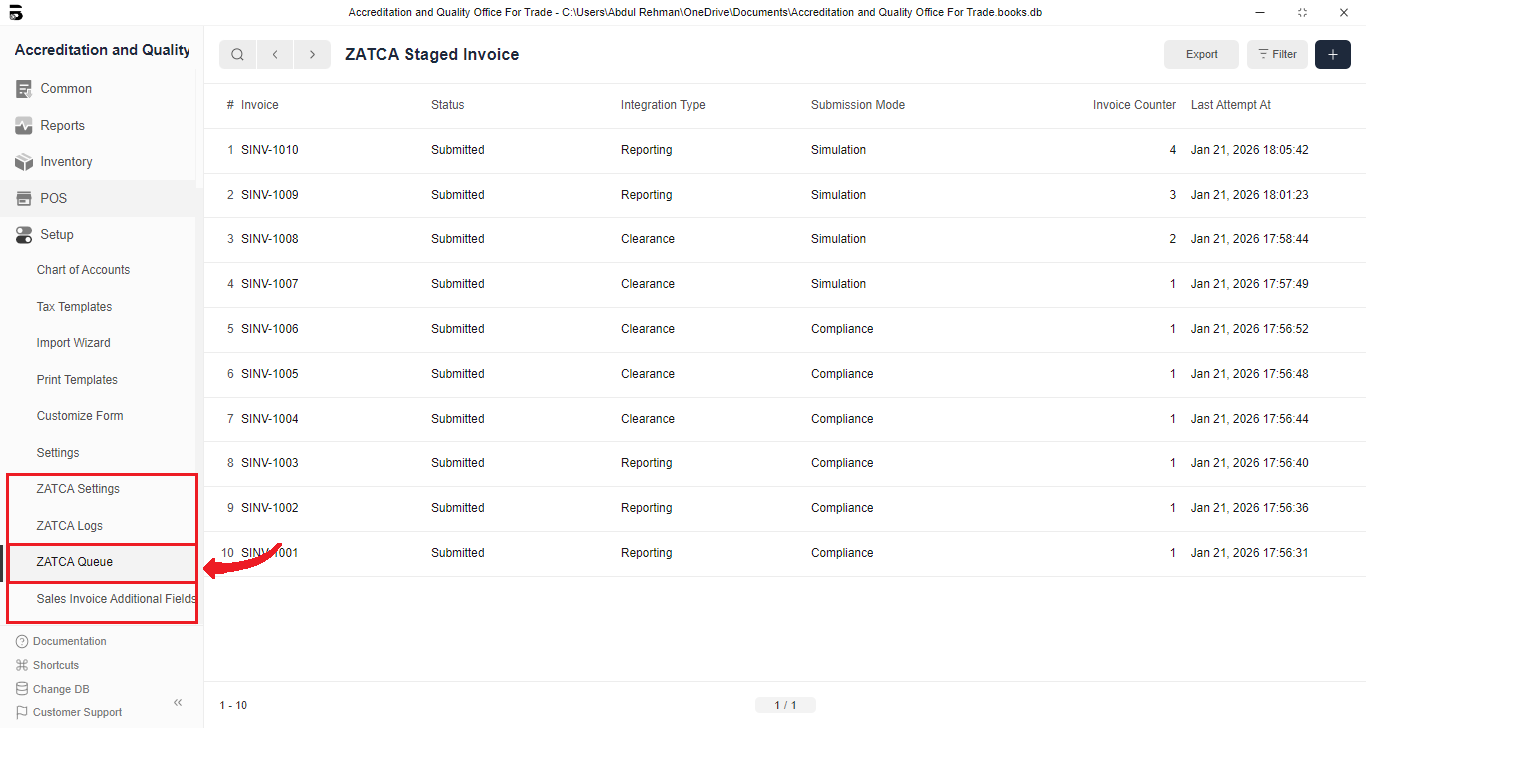
ZATCA Staged Invoice
Each invoice submission creates a ZATCA Staged Invoice record that tracks:
- Invoice: Link to the Sales Invoice
- Status: Current processing status
Pending: Waiting to be processedValidated: XML validated successfullySigned: XML signed successfullySubmitted: Submitted to ZATCAFailed: Submission failed
- Integration Type: Reporting or Clearance
- Submission Mode: Sandbox, Simulation, Production, or Compliance
- Invoice Counter: Sequential counter
- UUID: ZATCA-assigned unique identifier
- Invoice Hash: Cryptographic hash
- Previous Invoice Hash: Hash of previous invoice
- QR Code: Generated QR code
- Warnings/Errors: Any issues encountered
- Last Attempt At: Timestamp of last attempt
- Attempt Count: Number of submission attempts
- XML Paths: File paths for request XML, signed XML, and response JSON
Queue Processing
The queue system processes invoices in the following order:
- Pending invoices are picked up
- XML is validated
- XML is signed using ZATCA CLI
- Invoice is submitted to ZATCA API
- Response is processed and status updated
Batch Processing
Invoices with status "Ready For Batch" are automatically processed in batches:
- System collects all invoices with status "Ready For Batch"
- Processes them sequentially (maintaining hash chain)
- Updates status after each submission
- Retries failed submissions automatically
Retry Mechanism
Failed submissions are automatically retried:
- Attempt Count tracks retry attempts
- System waits between retries to avoid rate limiting
- Maximum retry attempts are configurable
- After max retries, status changes to "Failed"