Getting Started with Yousr
Let's start applying what we have learned so far by setting up your company in Yousr. If you have not downloaded Yousr, you can download it from here https://docs.yousr.app/.
Setup Instance
When you open Yousr, you'll be presented two options: New File and Existing File. If this is the first time you are opening Yousr, click on New File.
Now select an appropriate location where you want to store the file and give it a name.
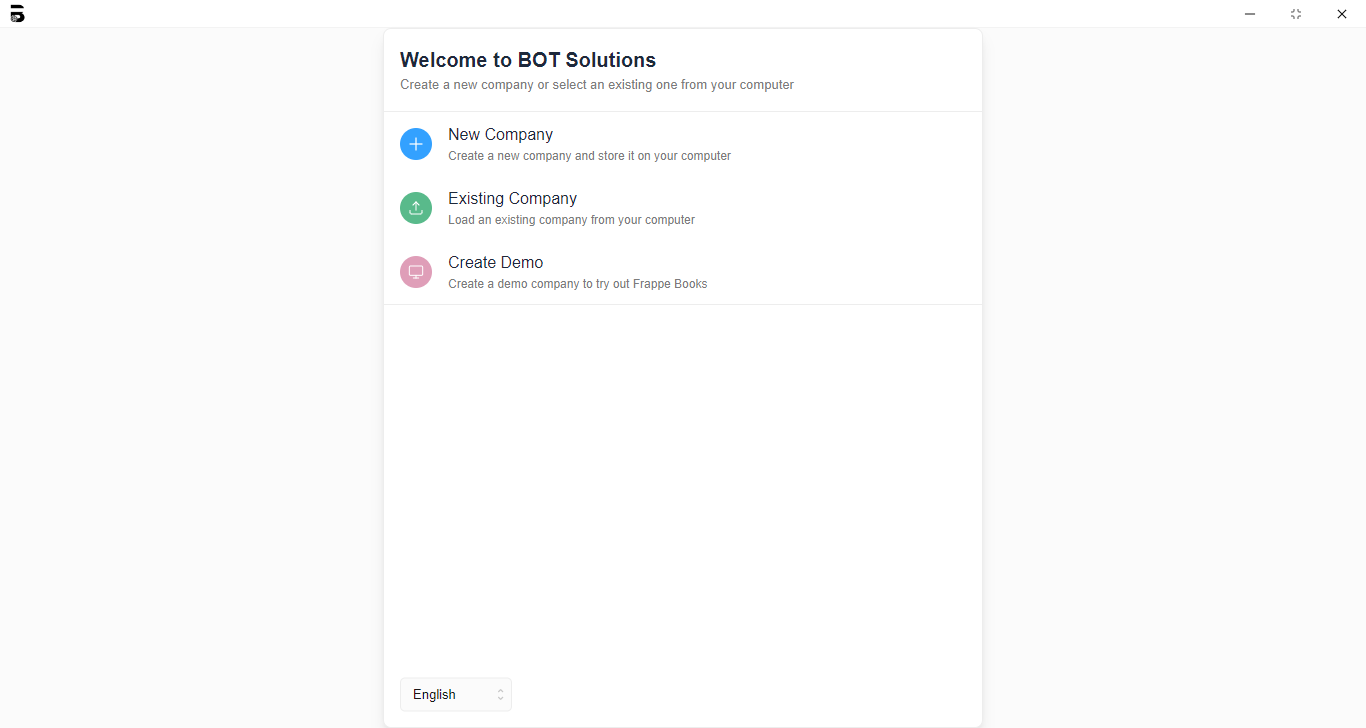
File Location: Yousr stores all your company data and transactions on a local .db file on your computer. You can change the location of this file. If you have done so you can find it again by selecting the Existing File option.
Now, enter your Business Name, Business Email and Country Information. This will help set up the correct Chart of Accounts based on your country.
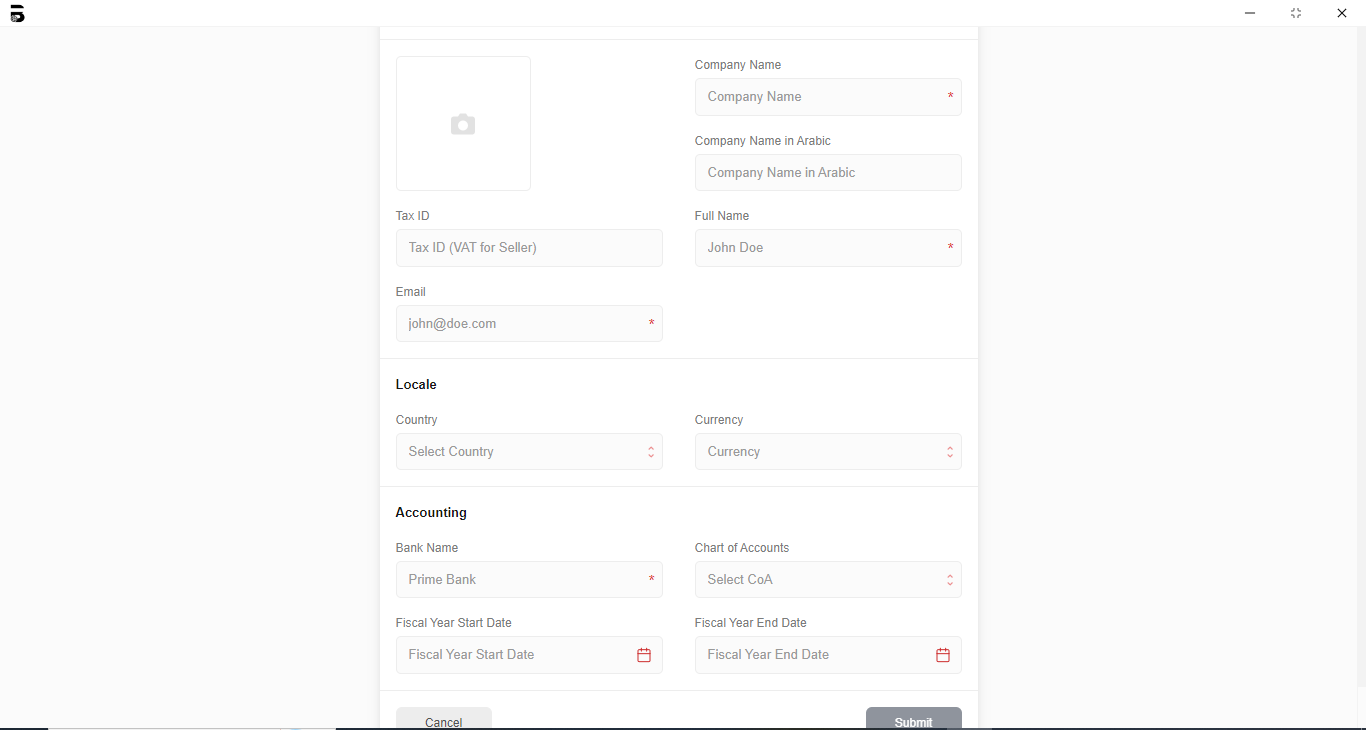
Chart of Accounts: If you don't find the Chart of Accounts of your country, you can select the Standard Chart of Accounts.